100 15-Minute Communications Wins (With Free Download)
In the communications field, it can be easy to get bogged down with projects that feel impossibly big and let the details slide by the wayside.
Campaigns. Strategy. Analytics. Messaging. Events. Social media. Media relations. Somewhere in there, you’re also supposed to keep everything polished and up to date.
But the reality is that most communicators rarely get uninterrupted time to tackle these things. So this week, as we wrap up our spring cleaning series, we’re focusing on something much more manageable:
15-minute fixes.
These are small tasks that won’t transform your communications overnight, but they will help you chip away at the clutter and elevate the details that shape public perception.
More importantly, they’ll help you feel like you’re making progress and achieving some wins. And that sense of accomplishment is the fuel that keeps communicators going.
A few quick fixes can make everything feel more organized, more current, and more intentional.
Some of these ideas may look familiar if you’ve been following along with our spring cleaning series. But good reminders are worth repeating.
A Free Download
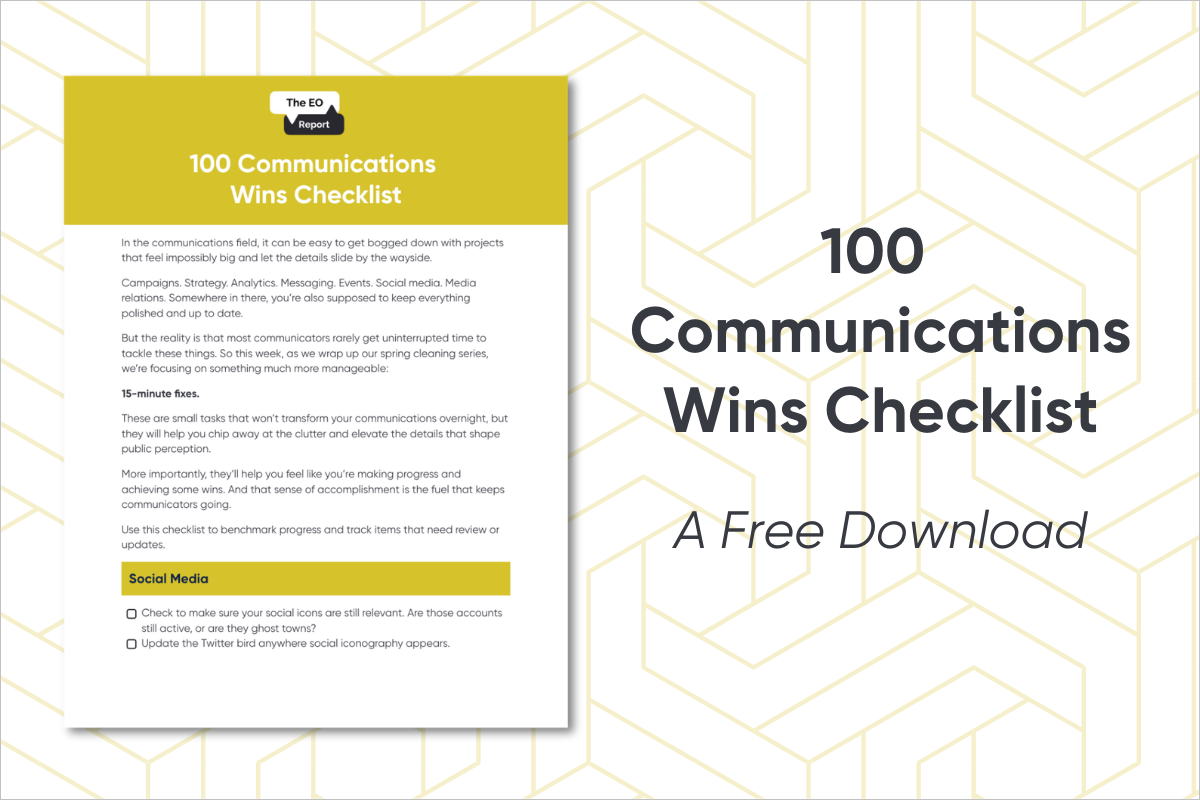
Even better, we’ve turned this into a downloadable checklist, so you can check items off as you go. If you are a subscriber to The EO Report, check this week’s edition for your download.
If you haven’t signed up yet, you can subscribe and have the downloadable delivered right to your inbox.
Some of these tasks will take five minutes. Others might stretch to fifteen. Some you may not be able to totally finish in 15 minutes, but you can still cover a lot of ground in that amount of time.
Either way, they’re quick wins. And sometimes, when everything feels so big, that’s exactly what communicators need.
Social Media
Check your pinned posts on social media. Are they up to date, or have they been hanging out since 2003?
Update the Twitter bird anywhere social iconography appears.
Check to make sure your social icons are still relevant. Are those accounts still active, or are they ghost towns?
Are your organization’s hours correct on your pages?
Is your address listed?
Is your profile picture sized correctly, or is it pixelated? Is the cropping centered?
How about your cover photo?
Review your bio on each platform. Is it clear and current?
Add a link-in-bio tool to Instagram and TikTok if you don’t already have one.
Update the link in your bio to the most relevant page right now. Get rid of old ones!
Delete the spam messages in your social platform inboxes.
Like or comment on three posts from partners or stakeholders.
Check your header on the mobile version of the platform – does it still work in the reduced size?
Update or add your Facebook page call-to-action button.
Review who has admin access to your social accounts.
Remove former staff who still have admin access.
Review your community guidelines and update if needed. Begin sketching community guidelines out if you don’t already have them.
Create a list of organizations you can tag in partnership posts.
Create a list of hashtags that are easy to copy and paste on different types of posts.
Follow three partners or community organizations you should already be following.
Update location tags on your pages if needed.
Review templates you’re using. Flag ones that need updates or list new templates needed.
Check whether your page descriptions include key keywords for SEO and GEO.
Review your leaders’ LinkedIn profiles. Make a list of updates that should be made.
Website
Check the banner on your website. Is it current?
Review the events page. Archive past events and add upcoming ones.
Add alt text to images on your homepage. Start there, even if you tackle the rest later.
Google your organization. Is the SEO description correct?
Click through your top five most-visited pages. Do all links work?
Check your contact page for accuracy.
Update your copyright year in the footer.
Update your navigation items in your footer. Are they up-to-date and relevant?
Review your top navigation links. Are they up to date?
Add one internal link to a recent blog post.
Review staff bios. Are any outdated?
Confirm leadership titles are correct.
Add your mission/vision if they’re not already listed.
Review your FAQ page for outdated information.
Review your media contact information.
Invite people to follow your social channels from your site. Make sure your icons are correct and linking to the right place.
Update any outdated data or statistics.
Ensure embedded content (forms, document viewers, etc.) is working properly.
Computer / Cloud / Server
Be honest: is your desktop a mess? Spend 15 minutes sorting files.
Move on to your downloads folder and clean it up.
Archive outdated photos you don’t want reused.
Make a list of templates that need refreshing (PowerPoints, fact sheets, flyers).
Store templates as “download-only” or duplicates so no one overwrites the originals.
Canva
Review team access and update appropriately.
Upload your official fonts.
Upload your logos.
Upload your brand colors.
Archive or delete outdated designs.
Delete old uploads or photos that you don’t want to use
Make a list of templates you still need.
Physical Space
Walk around your office. Are outdated materials sitting out?
Do you need to reorder swag? Send a quick vendor email.
Check pull-up banners. Do they work? Are they still on brand?
Create an order form to see who needs business cards or brochures.
Update digital screens with recent images and remove outdated info.
Walk through any public spaces in your space – are they tidy? Are there opportunities for materials or swag?
Processes and Procedures
Draft a communications onboarding checklist for new colleagues.
Now do the same thing for offboarding.
Review your process for requesting communications support. If you don’t have one, begin sketching one out.
What is your process for fielding media requests? If you don’t have one, begin sketching one out.
What is your cadence for regular communications such as newsletters, internal newsletters, etc.? Document this.
Outline passwords and administrator procedures for platforms and software.
What is your organizational social media policy? Does it need updating and socializing to your team?
Review your crisis plan. Is the information updated? If you don’t have one start sketching one out.
Review your brand guide. Does it need updating?
Review your photo/video release form.
Scan and archive signed releases.
Write down 5–10 metrics you regularly review and begin a plan for creating a dashboard.
What happens when someone calls your organization during business hours? Log that process and identify if it needs updating.
What happens if someone contacts your organization after business hours? For example – is the automated voicemail up to date.
CRM / Email Campaign Tool
Review lists and delete outdated ones.
Update your board or leadership contacts.
Merge duplicate records.
Look for contacts who have changed jobs or emails.
Remove bounced emails.
Review content from the past six years and identify best- and worst-performing emails.
Review tags. Do you need any new ones? Are any outdated?
Ensure email capture forms are working.
Test automations to ensure they are working properly.
Review email templates. Are the links working and updated?
Do any outdated templates need to be deleted from the system?
Test recent subject lines using an online tool.
Add alt text for frequently used images.
Media Relations
Remove defunct outlets from your media list.
Update contacts who have changed beats or jobs.
Review or sketch out a media FAQ document.
Add positive media coverage to your website.
Do you have a media training for internal people? Ensure it is updated.
Content
Write a list of evergreen content ideas.
Start a form or a document to capture story or content ideas.
Ask for time at a staff meeting or for space in an internal newsletter to appeal to employees for content submissions.
Identify a social post for employees to engage with, and invite them to do so.
Identify clients or partners who could provide testimonials.
Track down a fresh quote from someone who uses your services.
Is there any equipment that would be helpful for content creation, such as a camera, lapel mics, lights, etc. Make a list.
Charge the batteries for your equipment including mics, cameras, ring lights, etc.